Issue 01 · The Planner

Get everything in order, without feeling overwhelmed.

LifeManager gives you one clear home for tasks, subtasks, reminders, priorities, habits, and calendar context, so your day feels lighter and easier to move through.

LifeManager - Productivity

Tasks, habits, and goals, finally working together.

Made for everyday life

Built for iPhone, iPad, and macOS.

  • Capture ideas before they disappear
  • Break big projects into clear next steps
  • Get reminders that help, not distract
  • Focus on what matters first
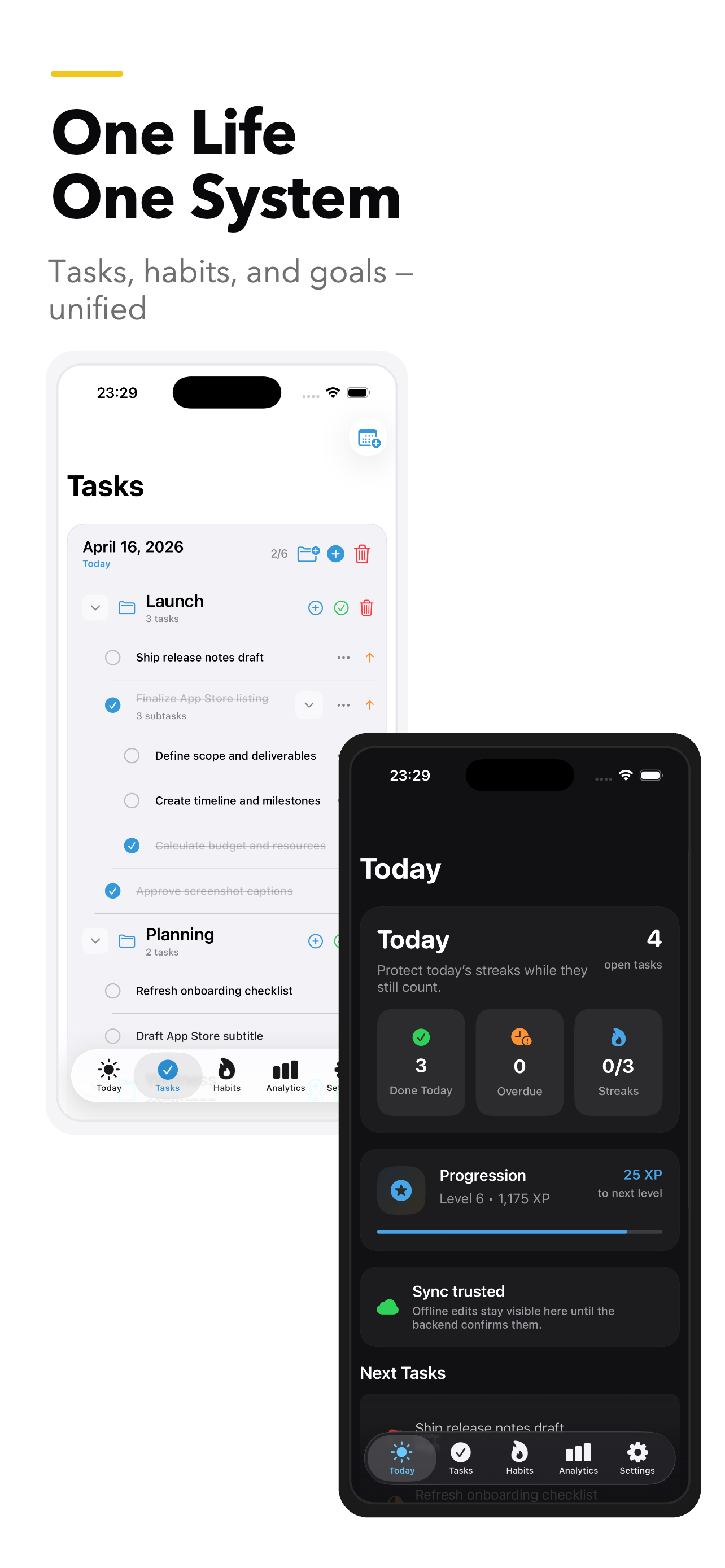
LifeManager iphone screenshot 1

The Method

Everything you need to stay on top of your day.

Start with a strong free foundation for daily planning. Unlock premium when you want calendar flow, habit consistency, and better visibility into how your time is going.

Free

Quick Task Creation

Get tasks out of your head fast, before they steal your attention.

Free

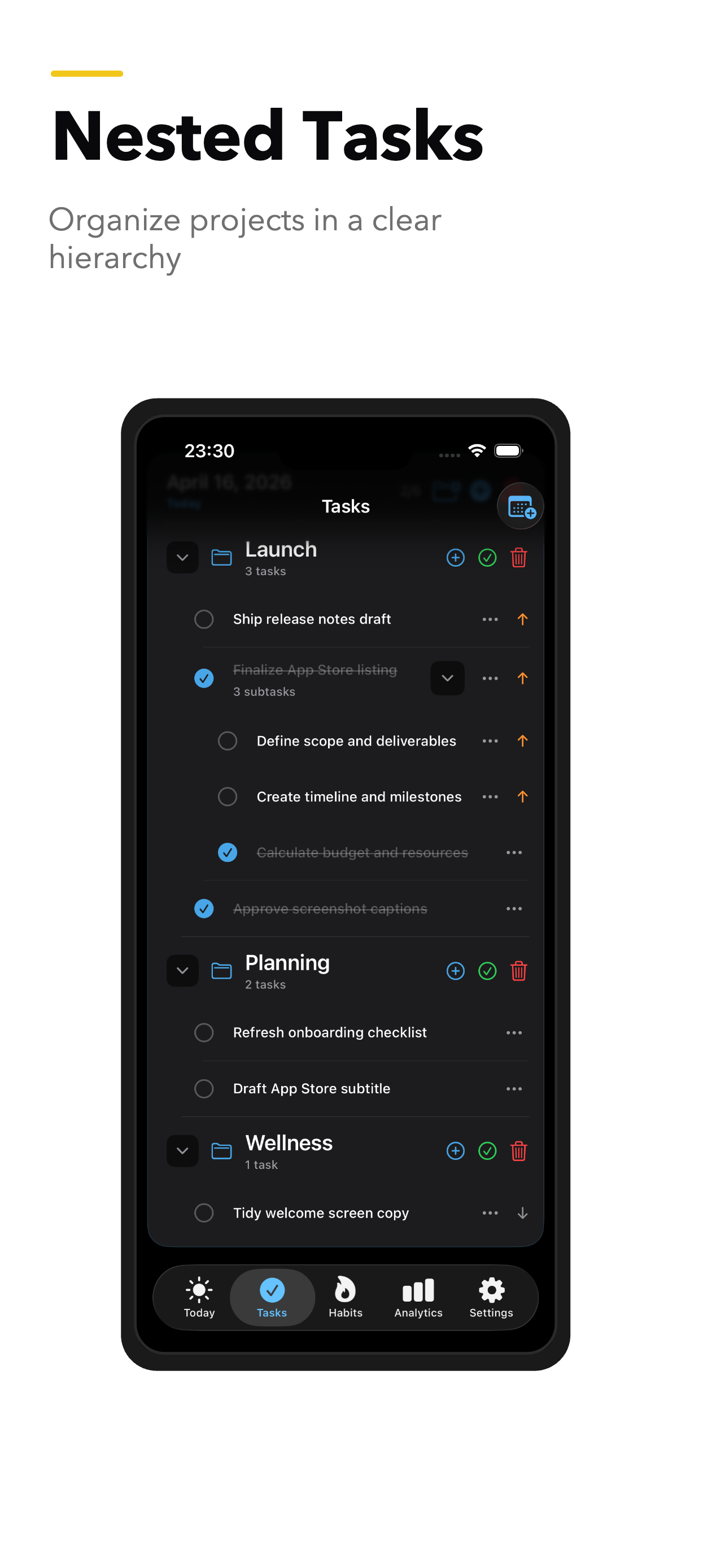
Hierarchical Task Structure

Turn messy projects into clear task trees, with every next step easy to find.

Free

Reminders and Notifications

Stay on track with reminders that show up at the right time, not all at once.

Free

Task Prioritization

See what deserves your attention now, and let everything else wait its turn.

Premium

Calendar Integration

Connect plans to your real schedule, so your week feels realistic and manageable.

Premium

Habits and Goals

Build momentum with habits and goals that keep the important things moving forward.

Premium

Productivity Analysis

Understand what got done, where time went, and how to plan better next week.

Screens

See how LifeManager feels in real life.

These are real screens from each locale, so what you see on the page matches the experience inside the app.

iPhone
LifeManager iphone screenshot 1
LifeManager iphone screenshot 2

iPad

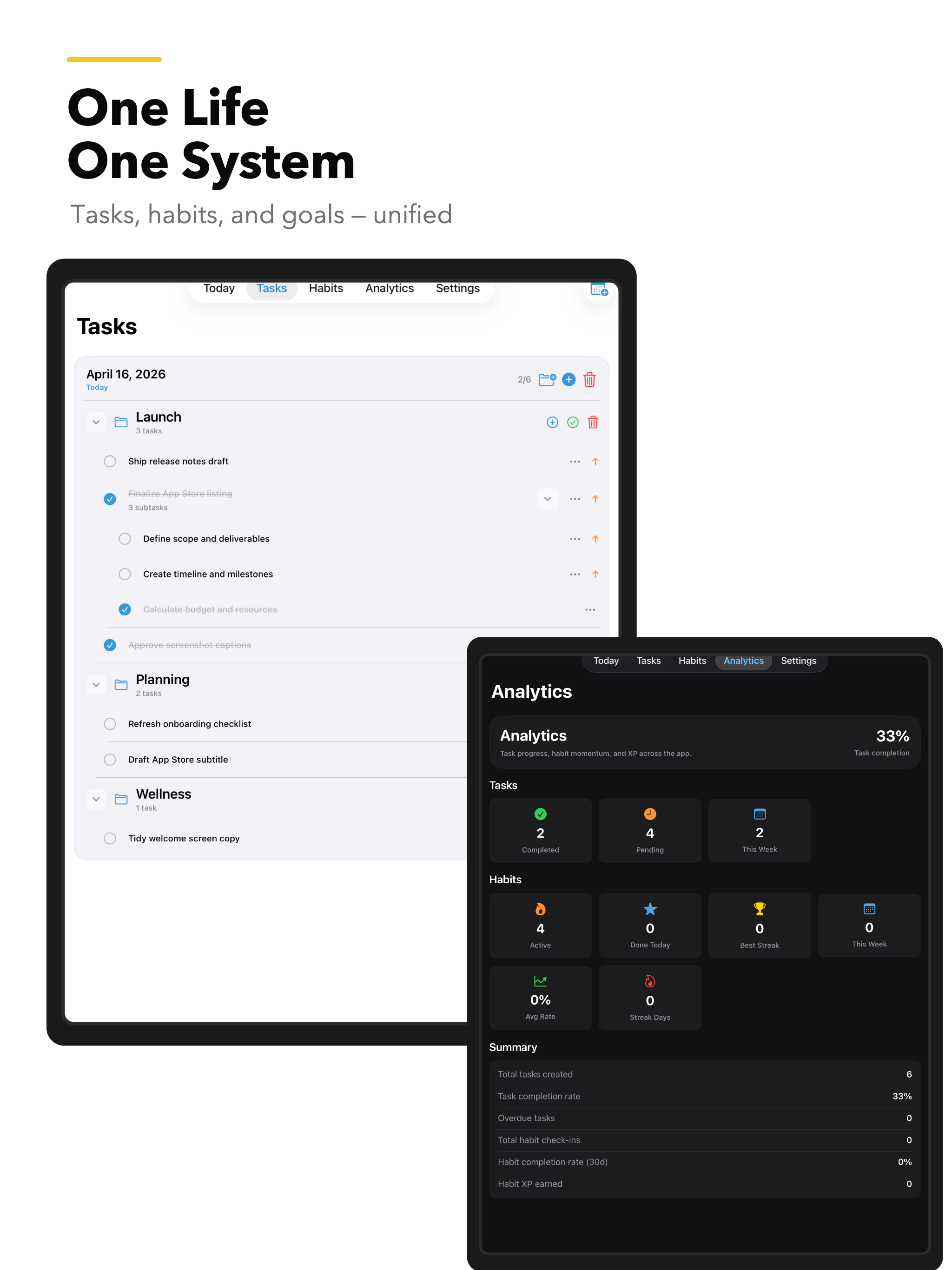
LifeManager ipad screenshot 1

macOS

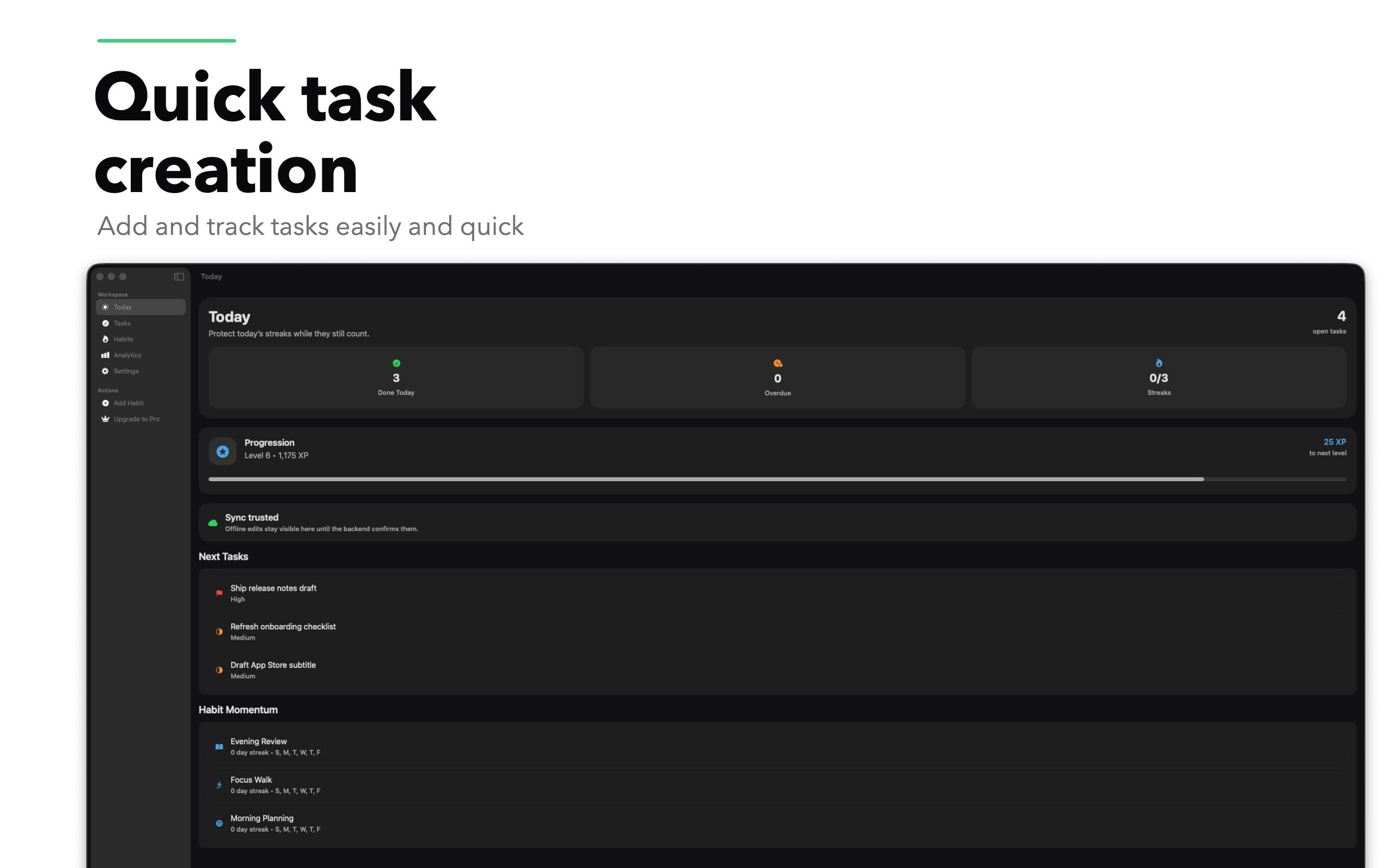
LifeManager macos screenshot 1

Real app captures, not mockups.

Pricing

Simple pricing, with room to grow.

Start free, keep your system organized, and upgrade when you want the extra planning power.

Free

Everything you need to plan your day with confidence.

$0

forever

  • Quick Task Creation
  • Hierarchical Task Structure
  • Reminders and Notifications
  • Task Prioritization
Start free
PremiumSave 16%

Calendar planning, habits, goals, and weekly insight.

$9.99

per year

Free for the first 2 weeks

Comes out to $0.83/mo on yearly billing

  • Calendar Integration
  • Habits and Goals
  • Productivity Analysis
Get premium
Best value

Monthly: $0.99

Free for the first week

Yearly: $9.99

Free for the first 2 weeks

Save 16%

Pricing shown from localized StoreKit data.

Platforms

Ready wherever you plan best.

Move from phone to tablet to desktop without losing context or momentum.

iPhone

iOS · App Store

Ready

iPad

iPadOS · App Store

Ready

macOS

macOS · App Store

Ready

Ready for a planning system that actually sticks?

Start with fast capture, clear structure, reminders, and priorities. Upgrade when you want calendar planning, habits, and deeper insight.

See the plans and pick the one that fits the way you work.

Questions

What people usually want to know first.

A quick look at how LifeManager works, what’s included, and who it’s for.

What problem does LifeManager solve?
It replaces scattered notes, forgotten follow-ups, and overloaded task lists with one clear place to capture, organize, and finish what matters.
What do I get on the free plan?
You get quick capture, structured task lists, reminders, and prioritization — enough to run your day well without paying anything.
Which features are premium?
Premium adds Calendar Integration, Habits and Goals, and Productivity Analysis — the features that help you plan further ahead and improve over time.
How is the yearly discount calculated?
We compare the yearly StoreKit price with twelve monthly payments and show the actual savings, without inflated discount tricks.
Which platforms are supported?
LifeManager is available for iPhone, iPad, and macOS, with the same clear experience across all three.
Why do the screenshots feel different by language?
Each locale has its own real screenshot set, so the page feels natural and consistent for the people reading it.